 Island
Deleting Your Data
Last updated 2 October 2026
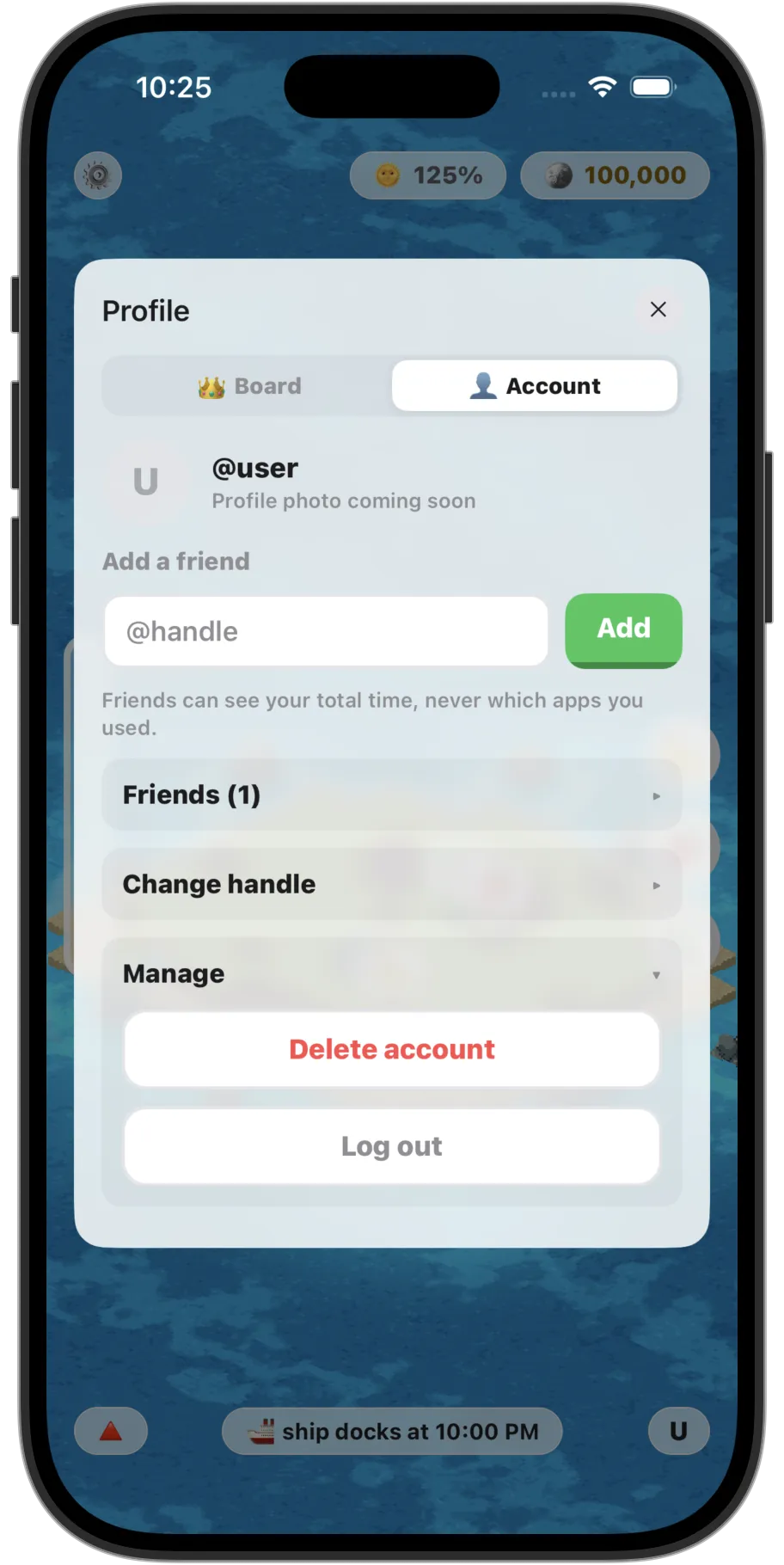
If you have an account
Tap the profile icon, open the Account tab, and under Manage tap Delete account. This removes all of your account data from our servers, analytics and purchase records included, and resets the island on your device. It does not cancel an Island Pro subscription; cancel that from your App Store or Google Play settings instead.
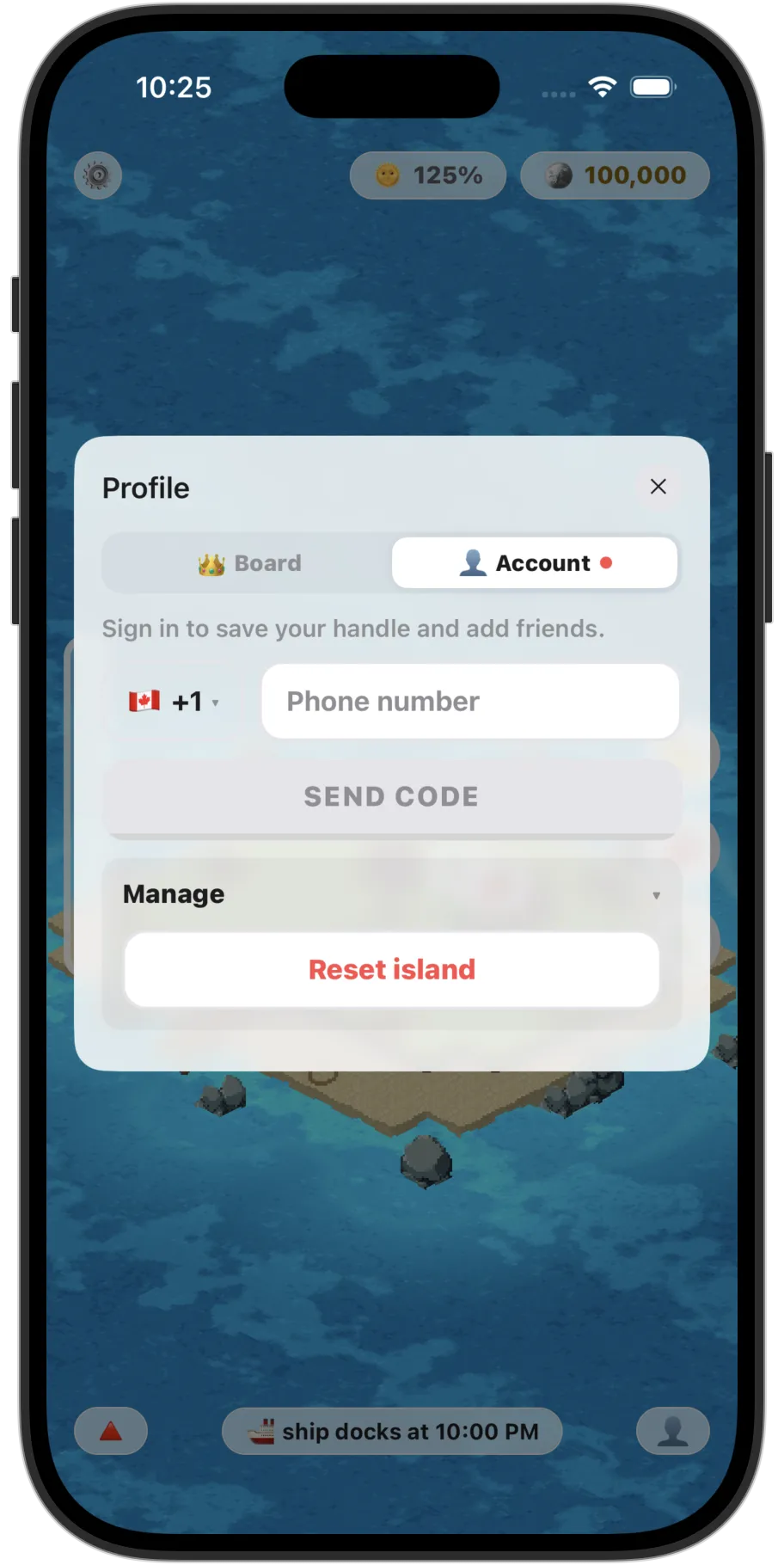
If you never signed in
You can still ask us to delete the pseudonymous analytics collected from your device. Tap the profile icon, open the Account tab, and under Manage tap Reset island. This removes those analytics from our servers and resets the island on your device.
The privacy policy lists exactly what we hold and what deletion covers.